arrow_backAll guides
Guide 5
Squarespace Setup
Connect CurbChat on Squarespace through code injection so it appears on all pages.
Step 1
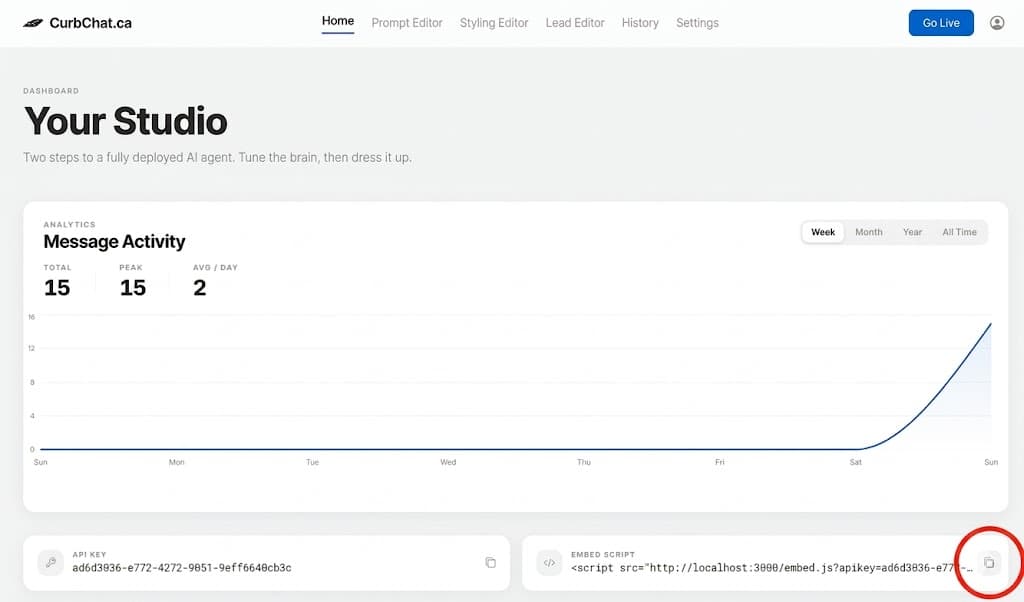
Copy your CurbChat embed script from the dashboard.
Step 2
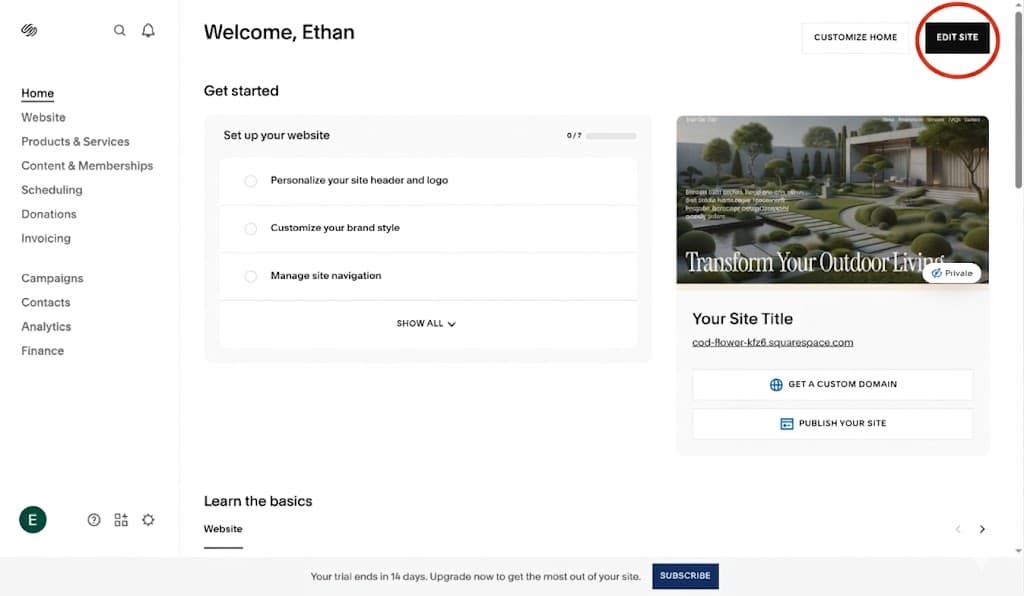
In Squarespace, click your site, and then press edit site, then edit site again until it takes you full screen.
Step 3
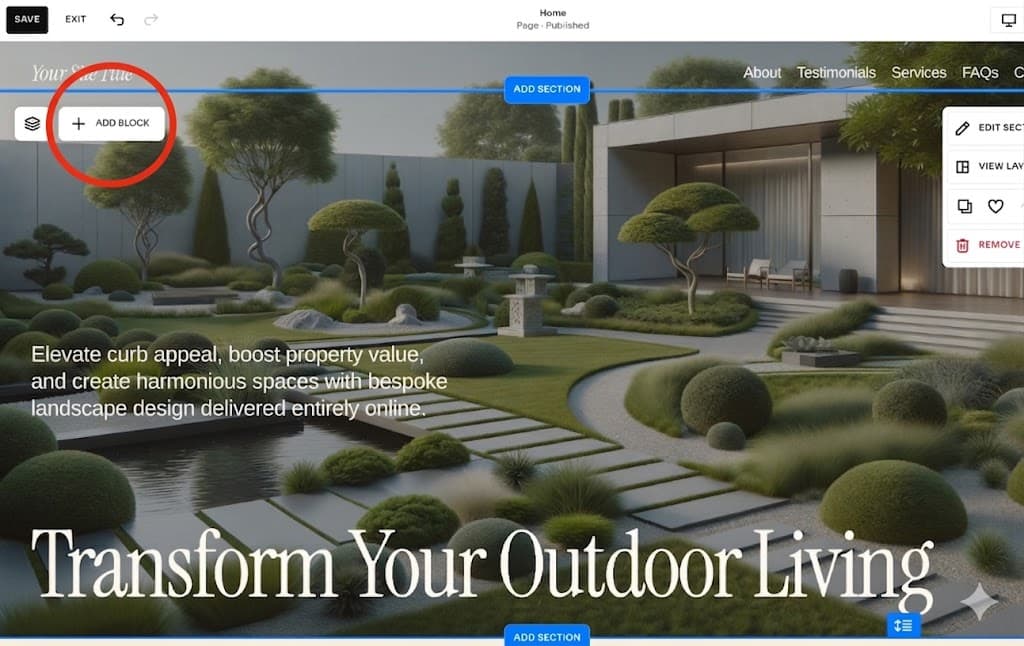
Press 'add block' anywhere on your website, search for code and press enter
Step 4
Press on the pencil button, delete any boilerplate code, and paste the embed script there. ( Please note that you need to have a premium account to see this in your published site version. )

Step 5
Press save, then exit. Congrats! You're a software engineer now!

arrow_backBack to all guidesGuide 5